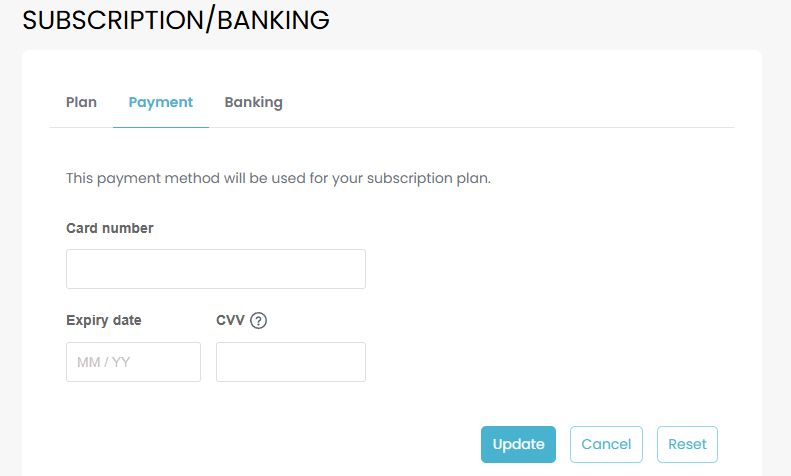
The Subscription Method window is used to set up the credit card used to pay for your monthly subscription.
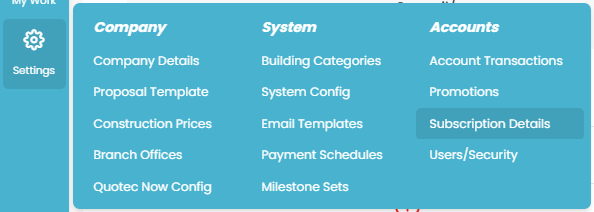
Settings >> Subscription Details.
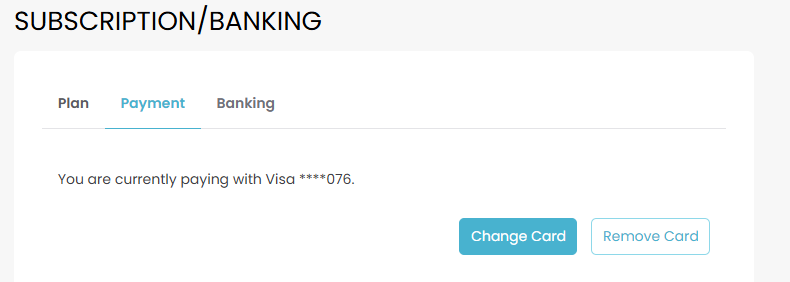
Under Payment tab, this will show your current payment method and allow you to remove or change this card.
Clicking CHANGE CARD will bring up the below page. Fill in the card details and press UPDATE.