Once you deactivate a user their user record will remain within the system they will simply not be able to access it so they can always be Reactivated at a later date. Deactivating a user will clear a space on you subscription to allow for a new user to be given access.
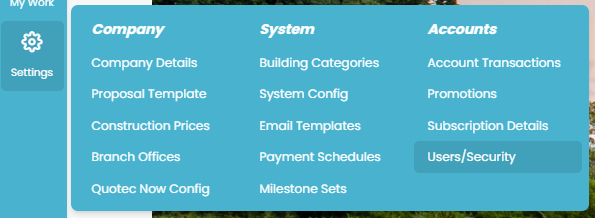
To deactivated a user you will need to go to their User Details page. Go to Settings >> Users/Security.
Use this search page to find the existing user you wish to deactivate and simply click on the user to open their record.

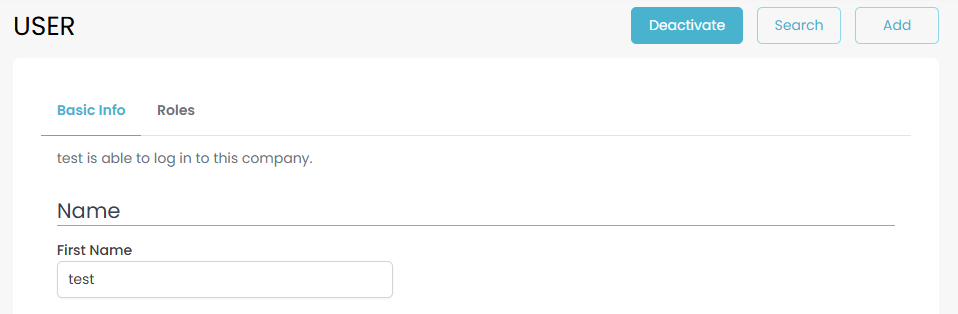
Active users will have a blue Deactivate button on the top right next to the Search and Add buttons.
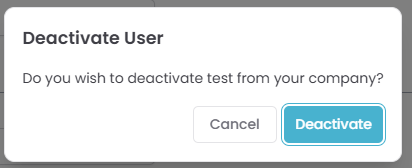
Clicking on this button will bring up the below pop-up to confirm that you wish to deactivate the user.