
Branches can use different suppliers/pricing to head office. Head office is still responsible for setting up the details but each branch can be assigned to a supplier that best suits them.
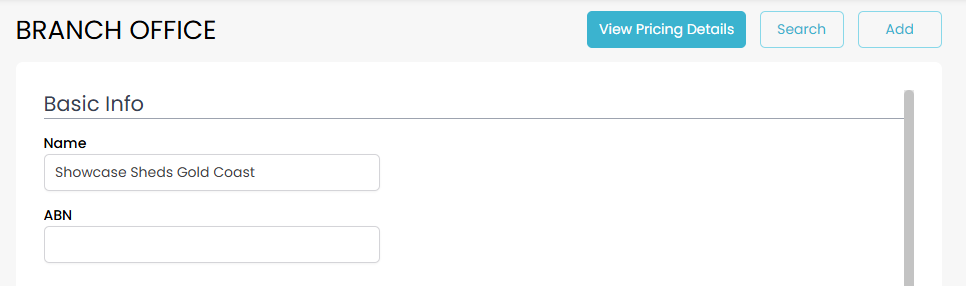
Go to branches and find your branch and click the View Pricing Details button.
Switch to the Suppliers tab and click the Use Own Suppliers button.
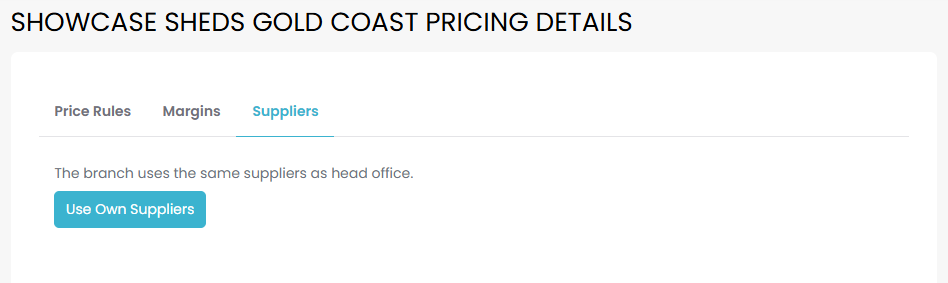
The buttons will change as follows:

Click View Suppliers to see the Order Category Supplier screen for that branch and change suppliers as required.
Click Revert To Head Office to stop using branch specific suppliers and go back to the head office defaults.