Order Weights on the Proposal
To view the total weight of a job you will need to go to the relevant order proposal document, found from your job management screen.
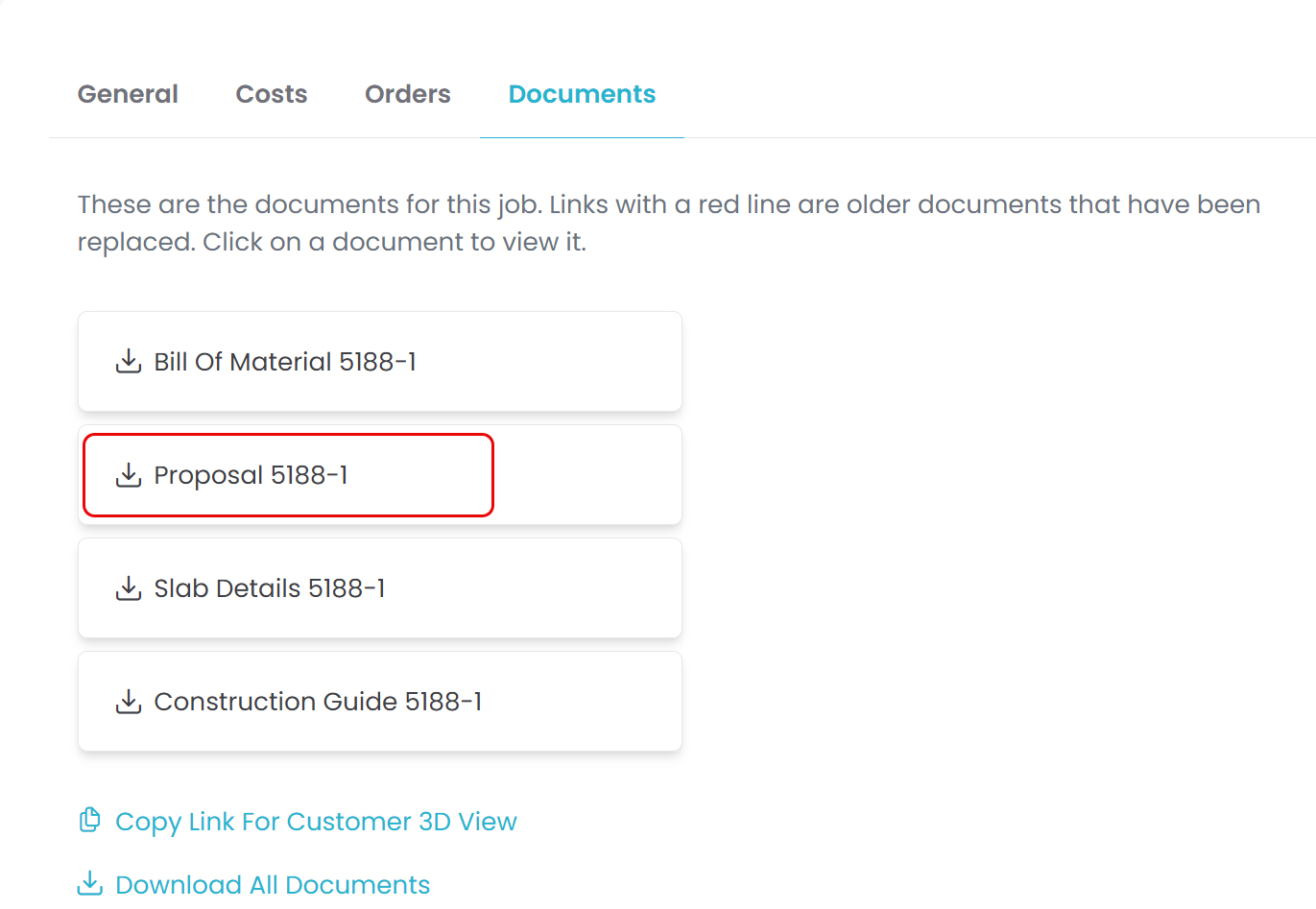
Once on the job management page, go to the Documents tab at the bottom.
From this document list simply click the proposal document to open it in a new tab.
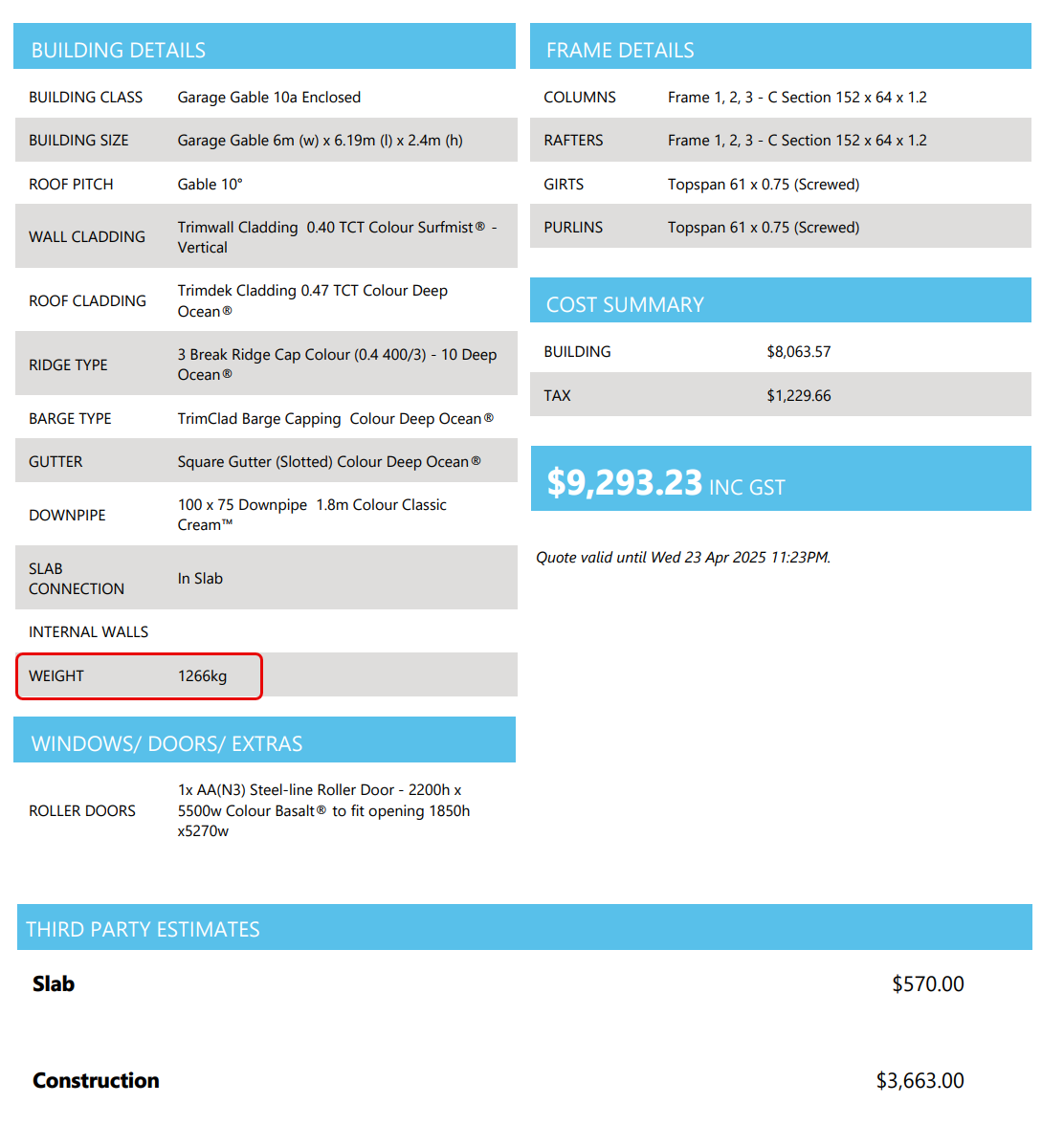
The total weight for the job can be found at the beginning of your proposal document with the rest of the building details.
Order Weights on the Purchase Order
To find the individual weights of each order you will need to open the respective purchase order PDF.
From your job management page ( Finding a Job) select the Orders tab to view your order flowchart.
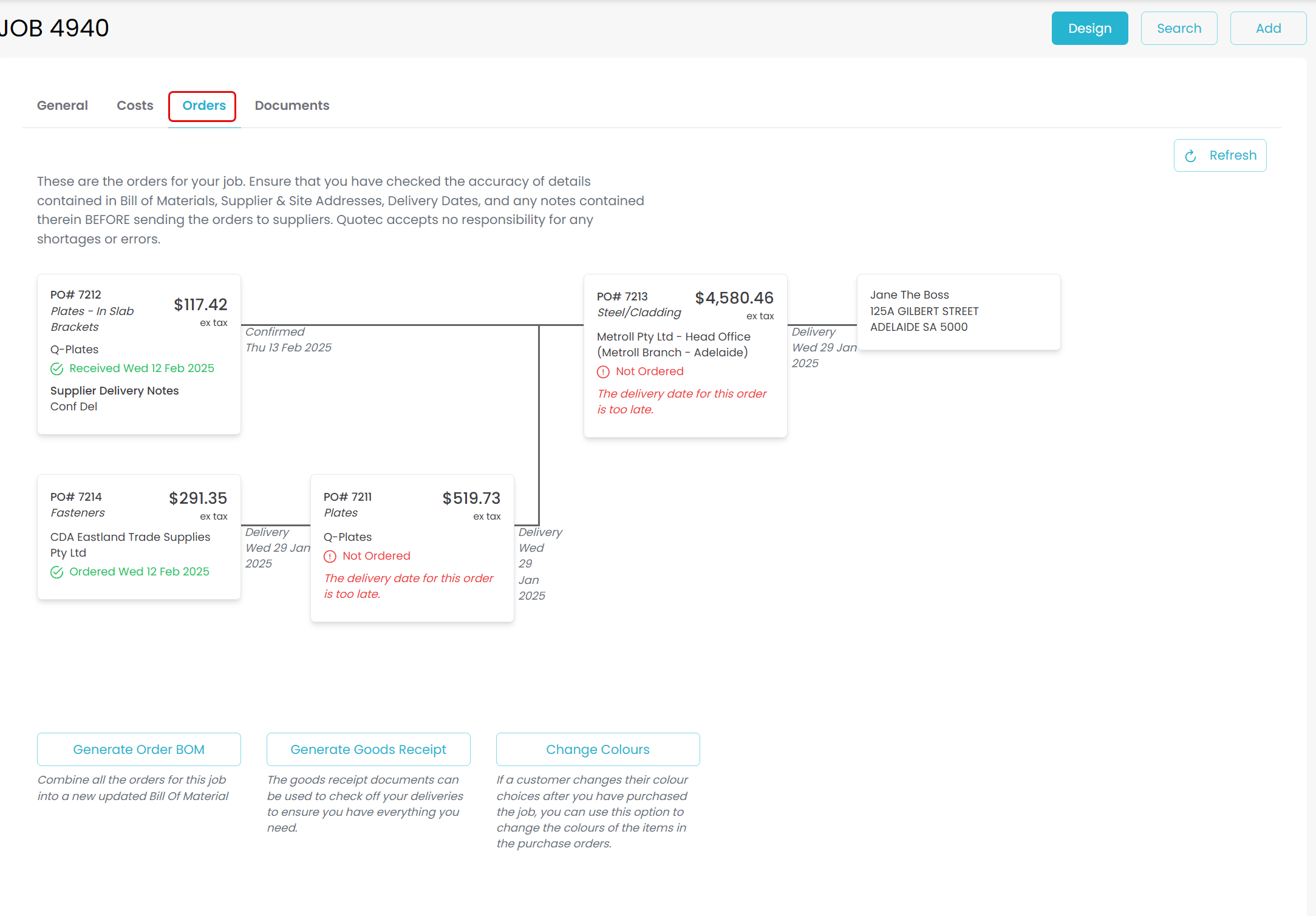
Click on the the Purchase Order, then click on PO PDF
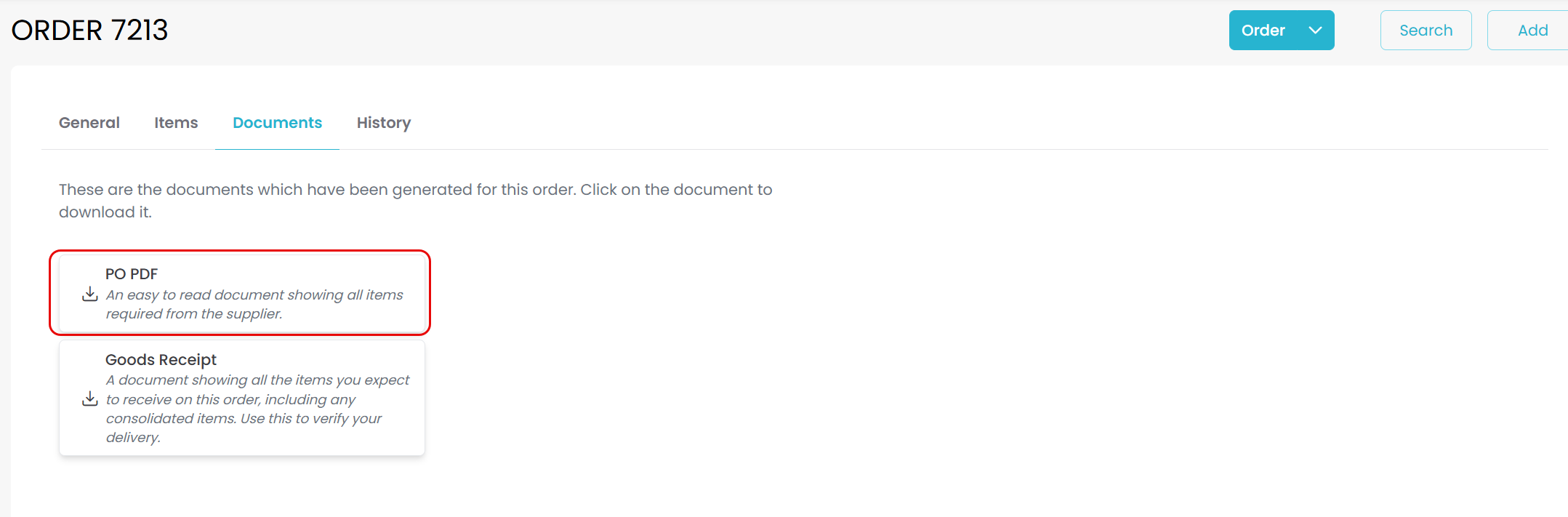
On the last page of your purchase order, beneath the items list you will find the weight for that order.
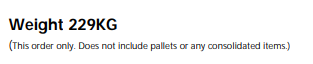
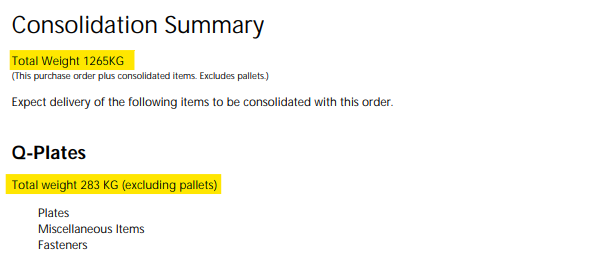
Metroll will have it’s own weight listed under the items as with all purchase orders; however, it will also show a consolidation summary on the following page which includes weights for all consolidated deliveries. Note the plates and fasteners weights will be combined here if they were consolidated prior.