
From the Settings Menu, customise how your Quotec Now will appear and the design of proposals sent from it.
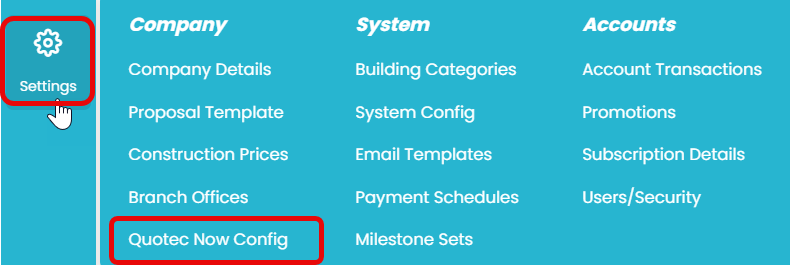
To find this page go to Settings >> Quotec Now Config
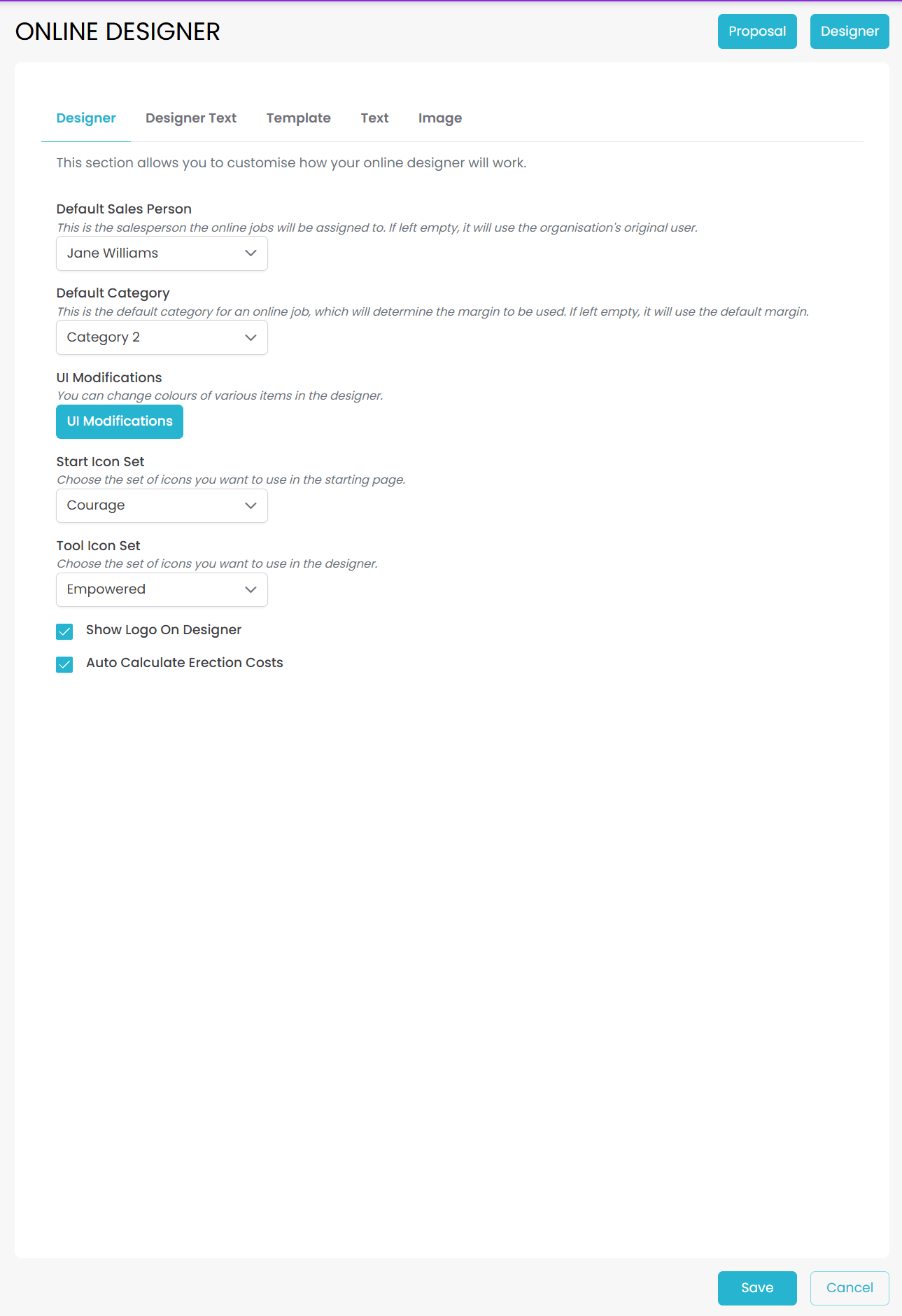
The Online Designer page should appear like this:
It comprises five tabs Designer, Designer Text, Template, Text and Image. For more information on these tabs, refer to Designer help
Use the buttons to:

|
Save the changes you have made |
|
Cancel without saving any changes made |
|
Automatically save your changes and download an Quote Sample of your new online proposal design.
|
|
View your online designer appearance in a new tab while automatically saving the changes that you have made. |