
Within the Quotec designer you can easily upgrade your frames; or, depending on the dimensions of your design, change a frame from C-Section to SHS.
Upgrade Your Frames
To upgrade you frames go to
Change Frame To SHS
You can easily change a frame from C-Section to SHS in garages, sheds and awnings.
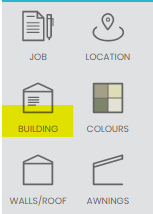
In the Designer, press the Building button:
And then press Show Frames.
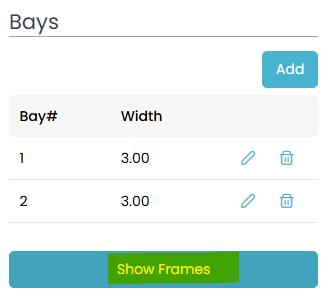
You will see a list of all frames in the building. If the engineering allows a column to be changed to SHS, you will see two buttons. The first one is for SHS and the second is for C-Section. Click these buttons to toggle between SHS and C-Section columns.

If no buttons are visible, that frame cannot be changed to SHS.