To add or change a branch, select Branch Offices from the menu:

If you want to add a new branch, click on the ADD button

Click on the branch you want to edit on the search screen:

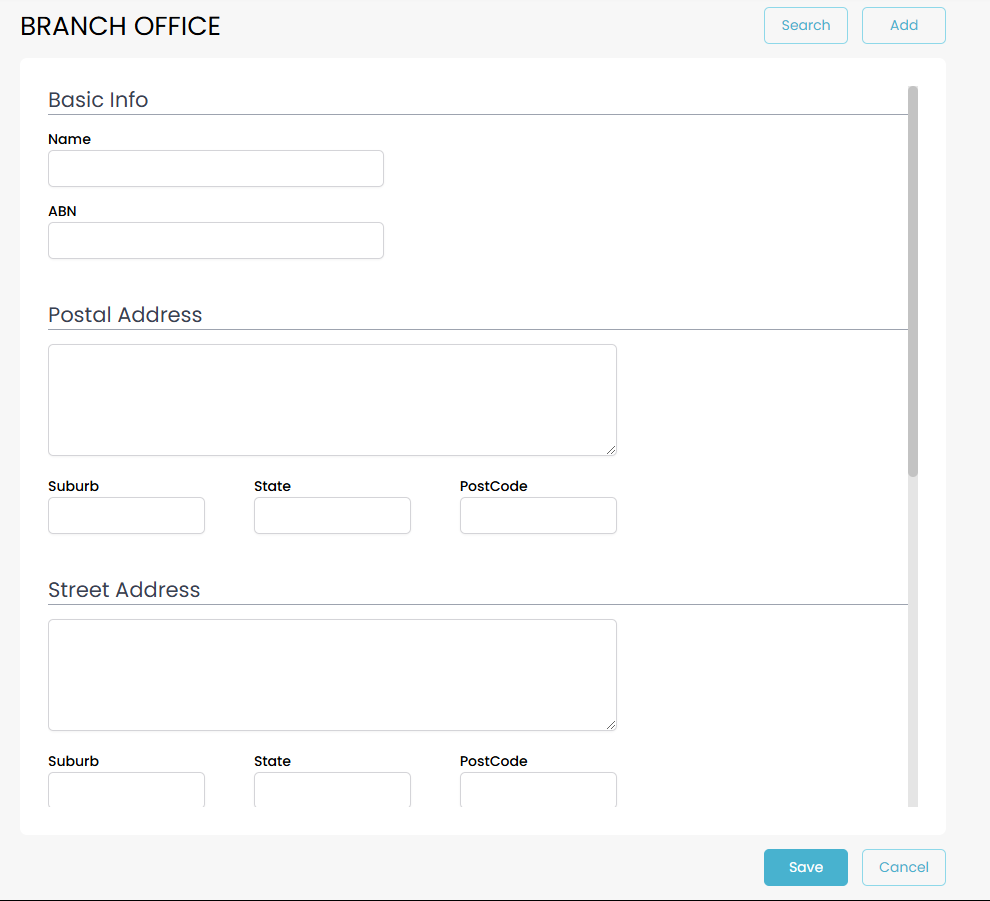
Whether you are adding a new branch, or editing an existing branch, you will be shown this screen. Enter all the available details and press the Save button at the bottom. You now have a branch ready to use.